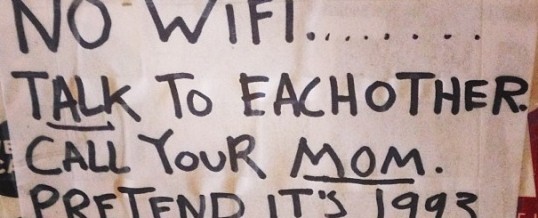
Again from Tech Dirt. The basic message again – the “future” is here, get over it.
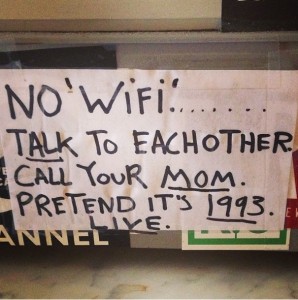
Comments on this image included:
- NO “TELEPHONES”. TALK TO EACH OTHER. FACE TO FACE ONLY. WRITE A LETTER. SEND A TELEGRAM TO YOUR MOM. PRETEND IT’S 1860. LIVE.
- NO ‘WRITING’… TALK TO EACH OTHER. THROW A ROCK AT YOUR MOM. PRETEND IT’S 10,000 BCE. LIVE.
- NO ‘HIGHER BRAIN FUNCTIONS’ …USE YOUR REPTILIAN BRAIN
31
AUG
AUG
0
Share